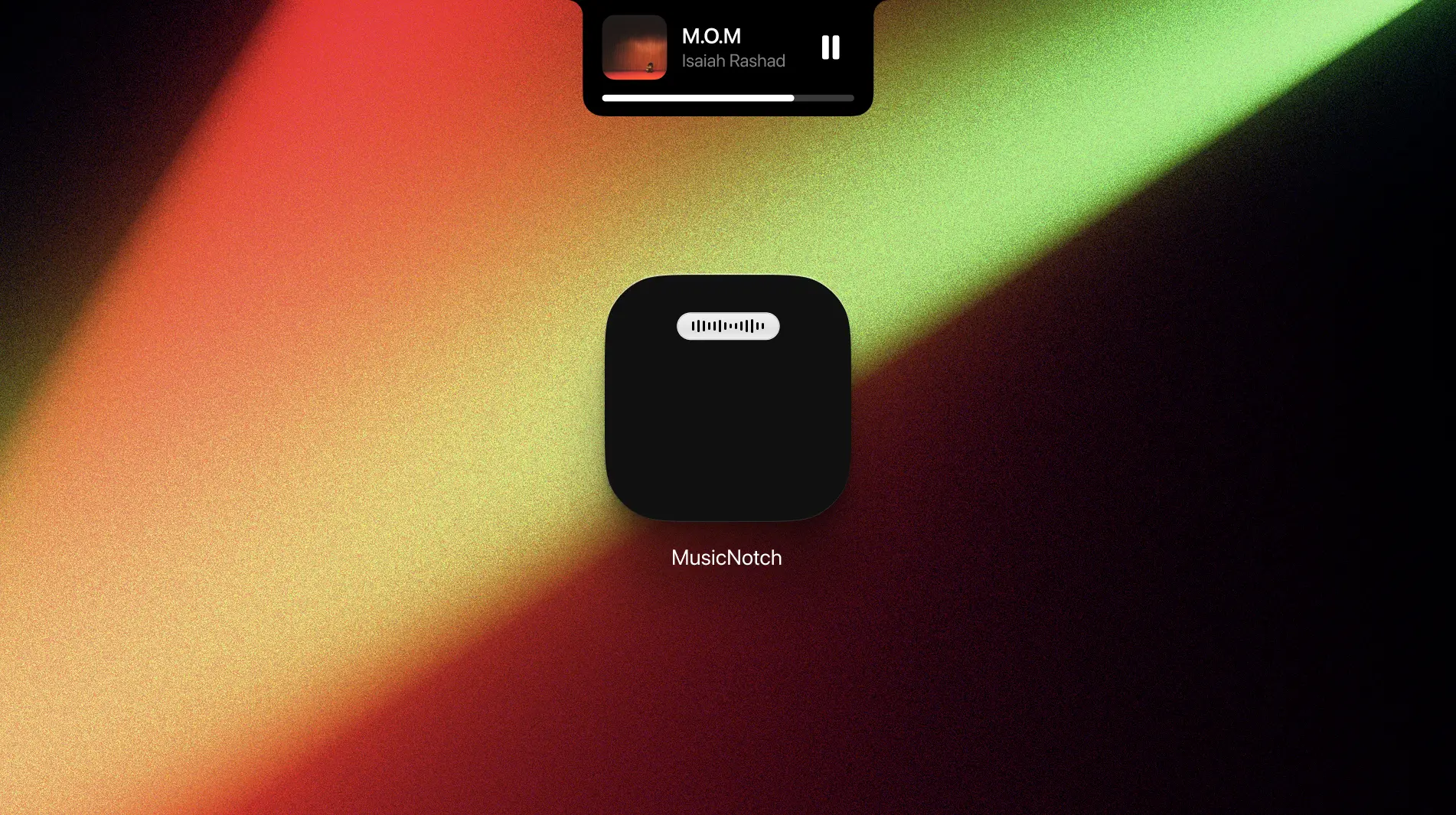
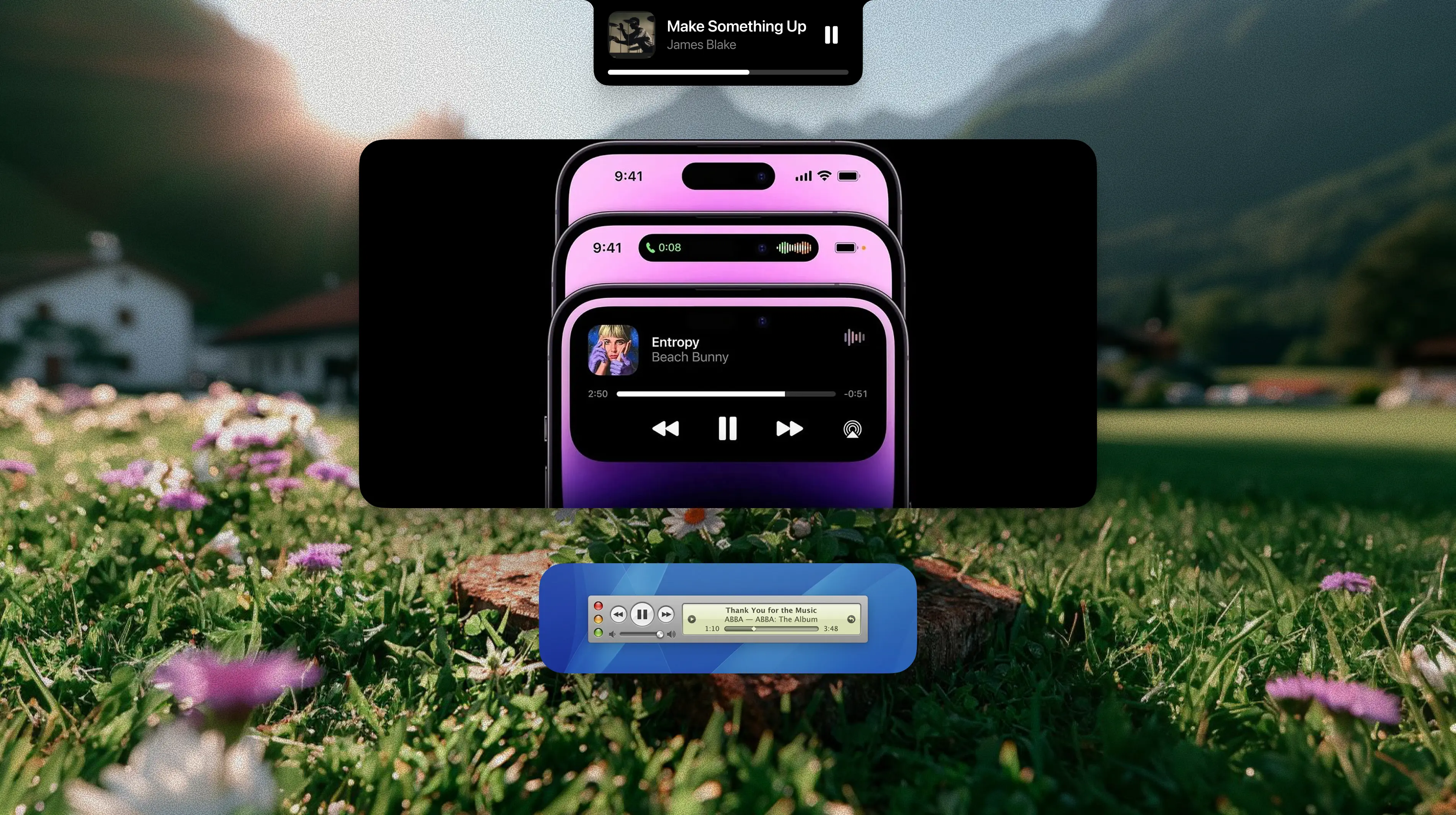
MusicNotch is a menu-bar app for macOS that surfaces a dynamic island style HUD around the notch (or top-center, on older Macs/external monitors) whenever a track changes, you skip, or you hit play. It listens to the system's private MediaRemote framework, filters the noise down to a handful of music apps, animates in a glossy black island with artwork, title, artist, a play/pause button, and a tap-to-seek progress bar – then it gets out of the way.
↬ Where did we start?
① I wanted Apple's Dynamic Island, on the Mac, without the rest of the operating system. Existing third-party "notch widgets" either ship a kitchen-sink launcher, demand accessibility permissions, or hijack the menubar with chrome I didn't want. The brief was strict: one job, no settings, no surface area beyond a status item and the widget itself.
A second constraint: it had to feel native. That ruled out Electron and anything web-rendered, and pushed me toward SwiftUI hosted inside an NSPanel – close enough to the OS that the widget could sit above fullscreen apps and across every Space without flicker.
↬ What did I do?
② The app is roughly three layers – a data service, a view model, and a hosted SwiftUI view – plus the AppKit glue that pins everything to the right pixel. The data service spawns mediaremote-adapter.pl stream --micros and pipes its newline-delimited JSON into a Combine subject. The adapter script wraps the private framework, so the app itself never has to link against SPI.
Frames arrive as full snapshots or partial diffs. The state model handles them the way a CRDT would: full frames replace, diff frames overlay, and a null value means "key vanished, drop it." A small allowlist (Apple Music, Spotify, Tidal) gates what reaches the HUD – browsers, video players, even other native music clients get suppressed. Predictability over completeness.

The widget itself is a single custom Shape that draws a full-width top edge flush to the bezel, scoops inward with two circular fillets, and rounds off convexly at the bottom. The fillets are quarter-circle béziers using the standard kappa constant, so they actually read as circular shoulders rather than the squashed easing curve you get from cornerRadius.
Reveal is staged in three concurrent animations: an easeOut mask wipe, a springy chrome scale so the shell bounces under the wipe, and a delayed blur-and-fade for the content. Exit reverses it. Track changes inside an already-visible HUD trigger a content-only refresh – the shell stays put, the text and artwork blur out and back in.
Two pieces of plumbing matter more than they look. The first is first-mouse forwarding – SwiftUI gestures inside a nonactivatingPanel silently swallow the first click. A NSHostingView subclass that overrides acceptsFirstMouse makes tap-to-seek work the moment the HUD appears, without the app having to steal focus from whatever you're typing in. The second is the seek anchor – after you scrub, the adapter keeps streaming pre-seek timestamps for a few hundred milliseconds, and without compensation the progress bar snaps back for one frame. The view model holds a local anchor for 1.5 seconds and extrapolates from your seek target until upstream catches up.
↬ Final thoughts
③ Music Notch is the app I open most and notice least, which is the goal. It's about 850 lines of Swift, ships as a 2MB bundle, runs at <0.1% CPU when idle, and has zero settings. The Perl adapter restarts itself on crash with exponential backoff; the panel re-anchors on display change; the status menu reflects the current track in real time.
The thing I'm most pleased with isn't the shape or the animation – it's that nothing in the codebase is conditional on whether the user has a notch. The same anchor math runs on every Mac; the notched-display branch only adds a top inset and a minimum width so the content clears the physical cutout. One layout, two surfaces, no special cases.
